Create a custom tattoo concept with AI
Describe your idea, choose a tattoo style, and generate a visual concept to refine with your tattoo artist.
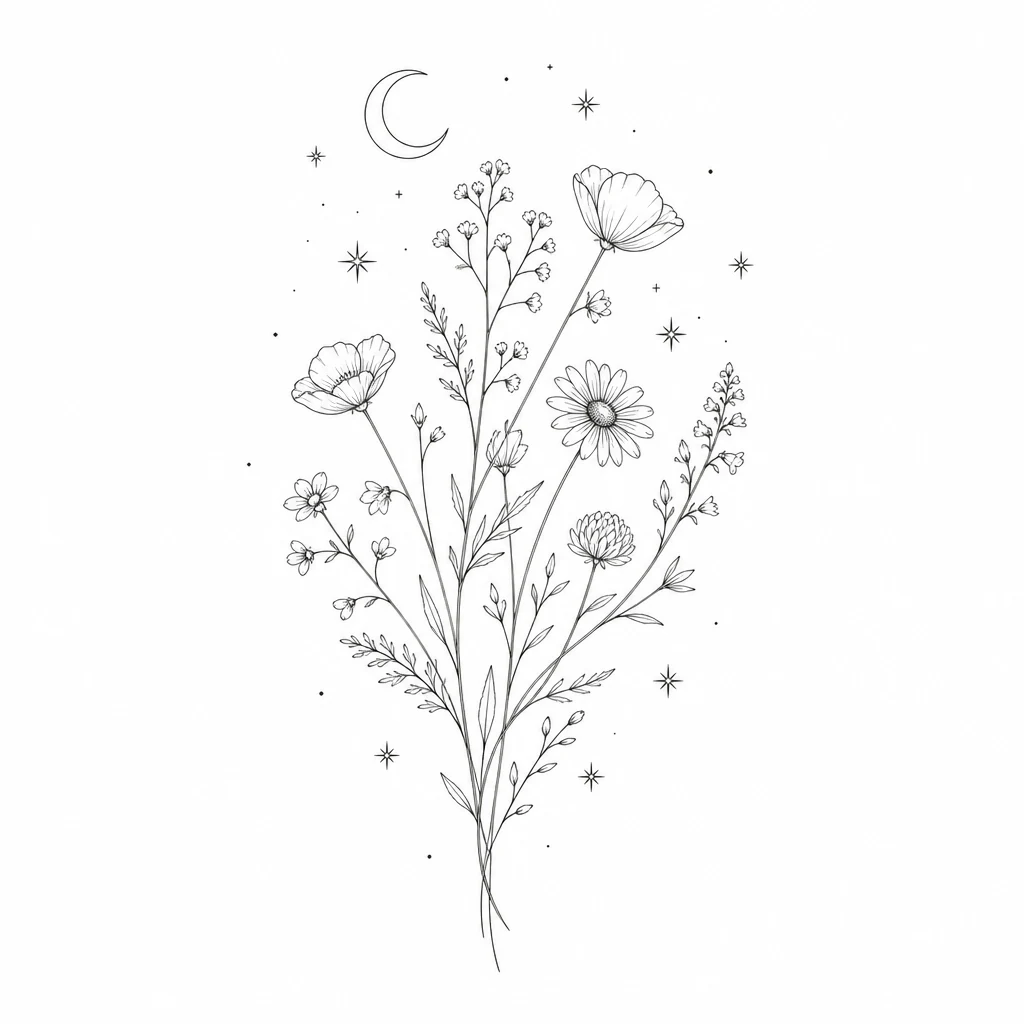
Who the AI tattoo generator is for
Whether you are planning your first piece or refining a sleeve, this AI tattoo generator helps you visualize ideas before ink meets skin.
First-time clients
You know the feeling you want but cannot picture the final design. The AI tattoo generator turns a short brief into a visual concept you can react to, refine, and bring to a consultation.
Collectors refining a sleeve
You already have motifs in mind and need fresh compositions that fit your existing work. Generate multiple directions in fine line, blackwork, or Japanese style without starting from a blank page.
Artists and designers
Use the AI tattoo generator as a rapid concept tool during client meetings. Produce reference art in seconds, then redraw and adapt the strongest idea for real skin.
Gift and memorial planners
Commemorative tattoos need clarity before the appointment. Describe symbols, dates, and mood, then review tattoo concepts that honor the story without rushing the design phase.
Ideas stuck in your head
You might scroll Pinterest for hours and still leave with a mood board instead of a design. Words like “delicate,” “bold,” or “spiritual” are easy to say but hard to draw. An AI tattoo generator closes that gap by converting your prompt into a visual tattoo concept you can see, compare, and discuss.
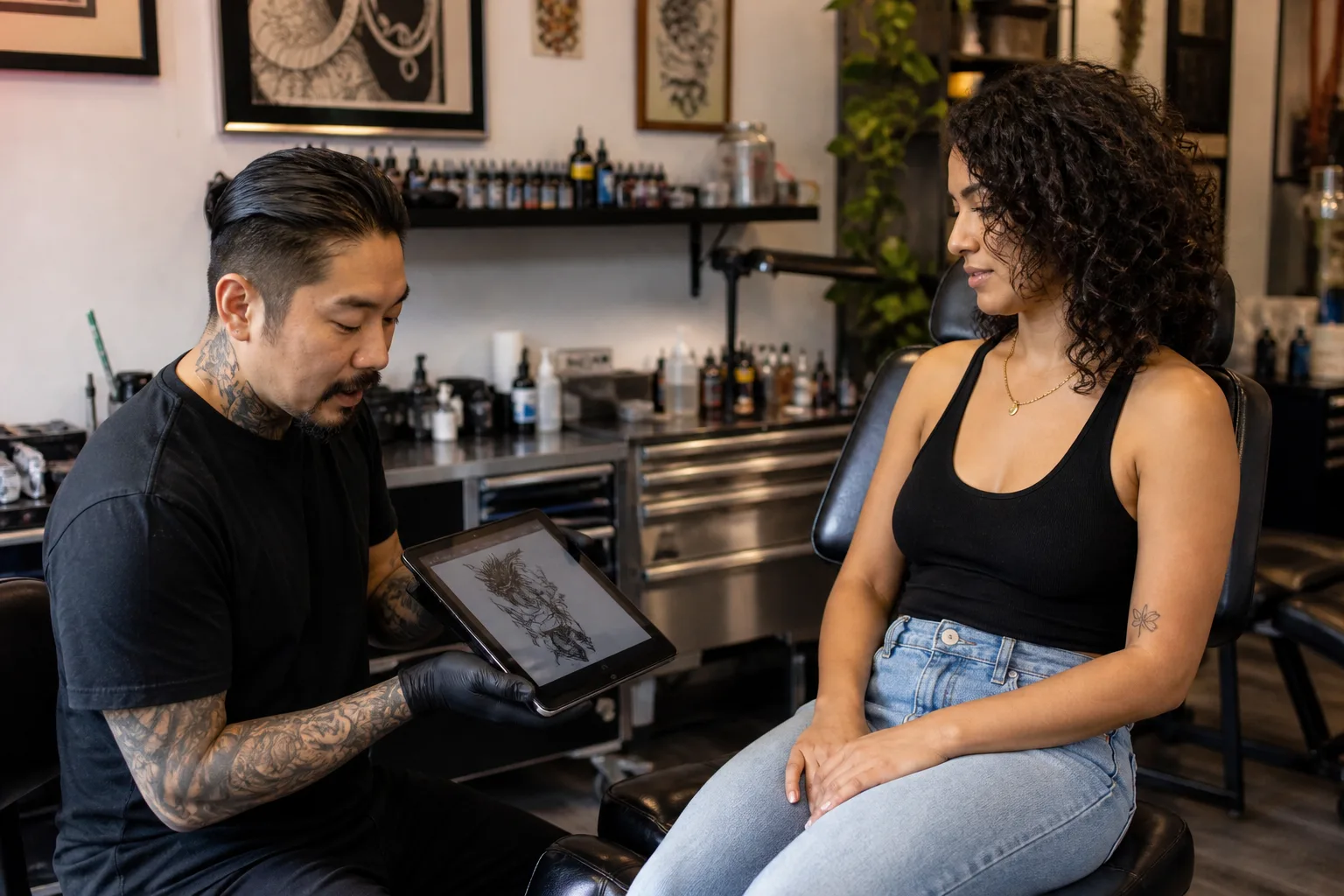
Vague consultations
Without a reference, consultations can feel vague. Artists do their best work when clients arrive with clear direction — subject, style, placement, and scale. The AI tattoo generator gives you that starting point so the conversation focuses on refinement instead of guesswork. Generic flash art rarely matches your personal story — when you use an AI tattoo generator, the output responds to your brief.
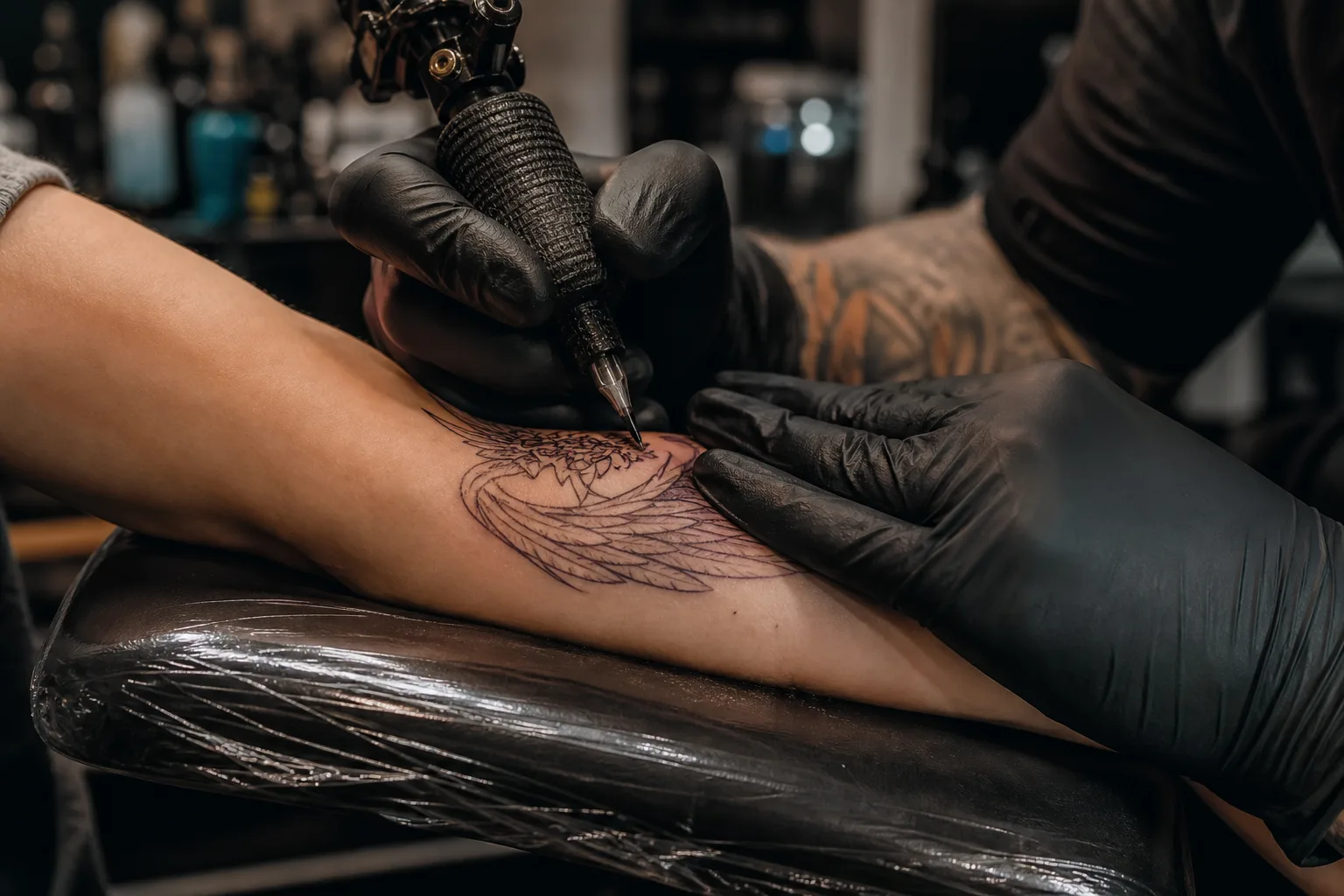
Placement and shared visual language
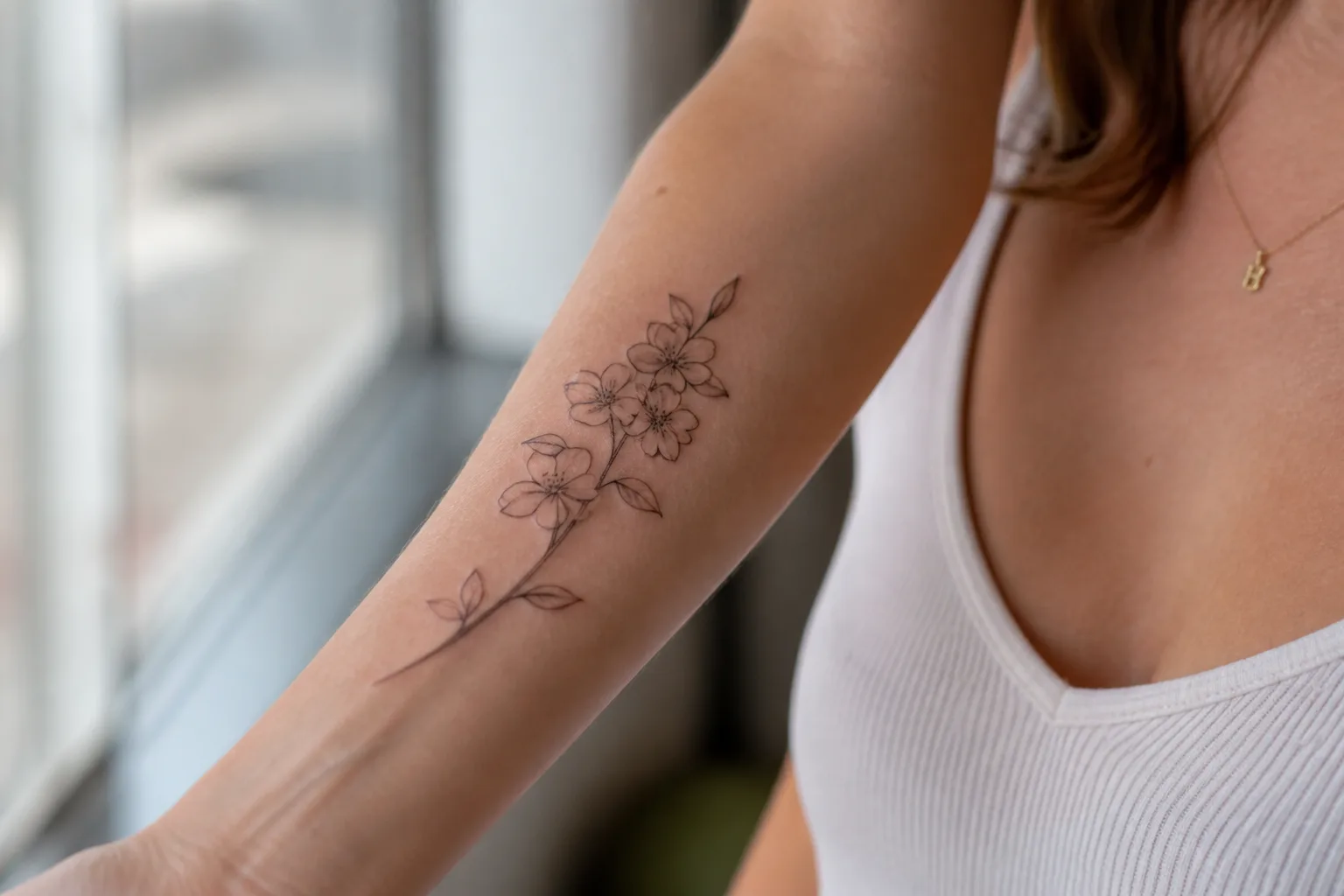
Placement and scale decisions become easier when you can see options. A forearm composition needs a different silhouette than a shoulder piece. The AI tattoo generator lets you switch aspect ratios and regenerate until the proportions feel balanced. Instead of describing “something floral but not too busy,” you can point to a generated concept and say which elements to keep.
Ready to see your idea as a tattoo concept?
Write a prompt above and let the AI tattoo generator turn it into visual reference art in seconds.
Start generatingArtist-ready references
Each generation returns a high-resolution image formatted for tattoo reference — clean linework, readable silhouette, and style-appropriate shading. You can download the file and share it with your artist before the appointment.
Supported tattoo styles
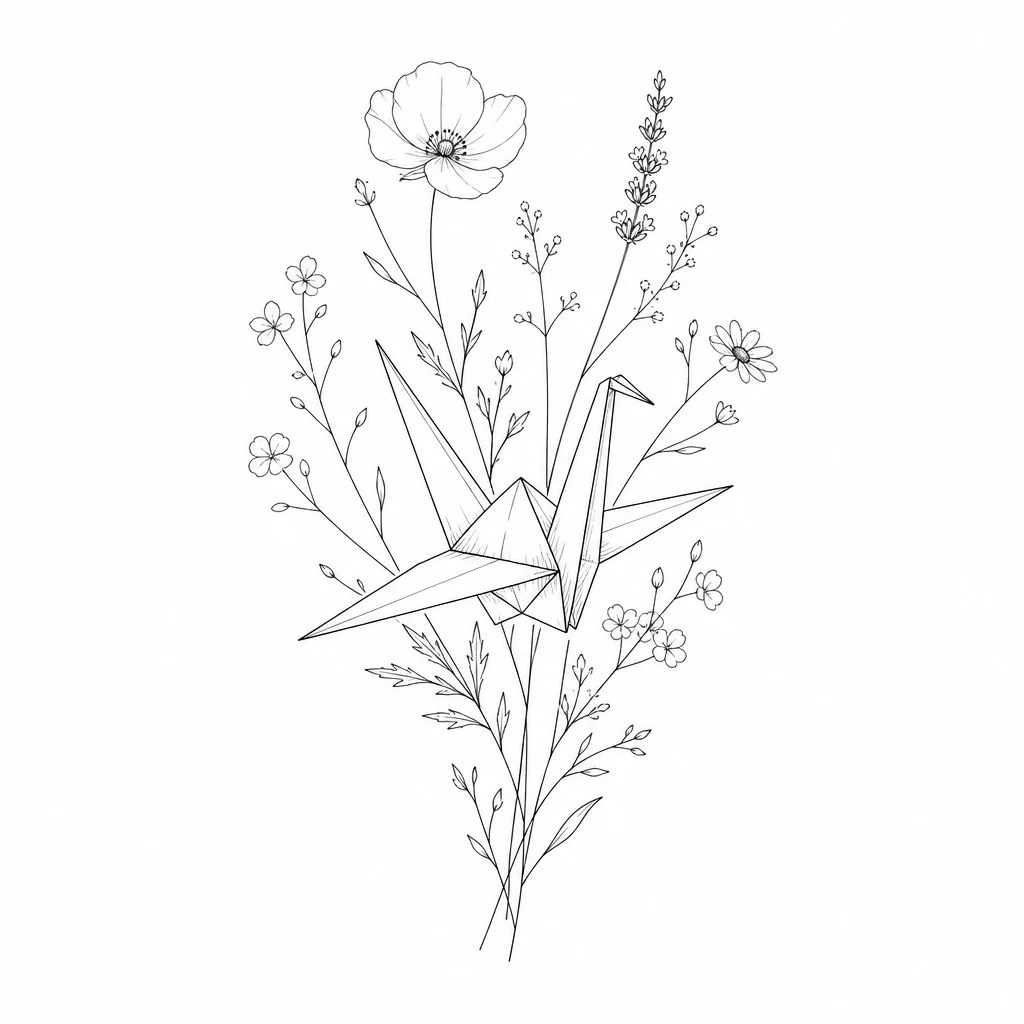
The AI tattoo generator supports fine line, minimalist, blackwork, traditional, japanese, realism, geometric, and watercolor. Switch styles on the same prompt to compare how your idea reads in different visual languages. Because results arrive in seconds, you can iterate quickly until one concept feels right.
Saved to your gallery
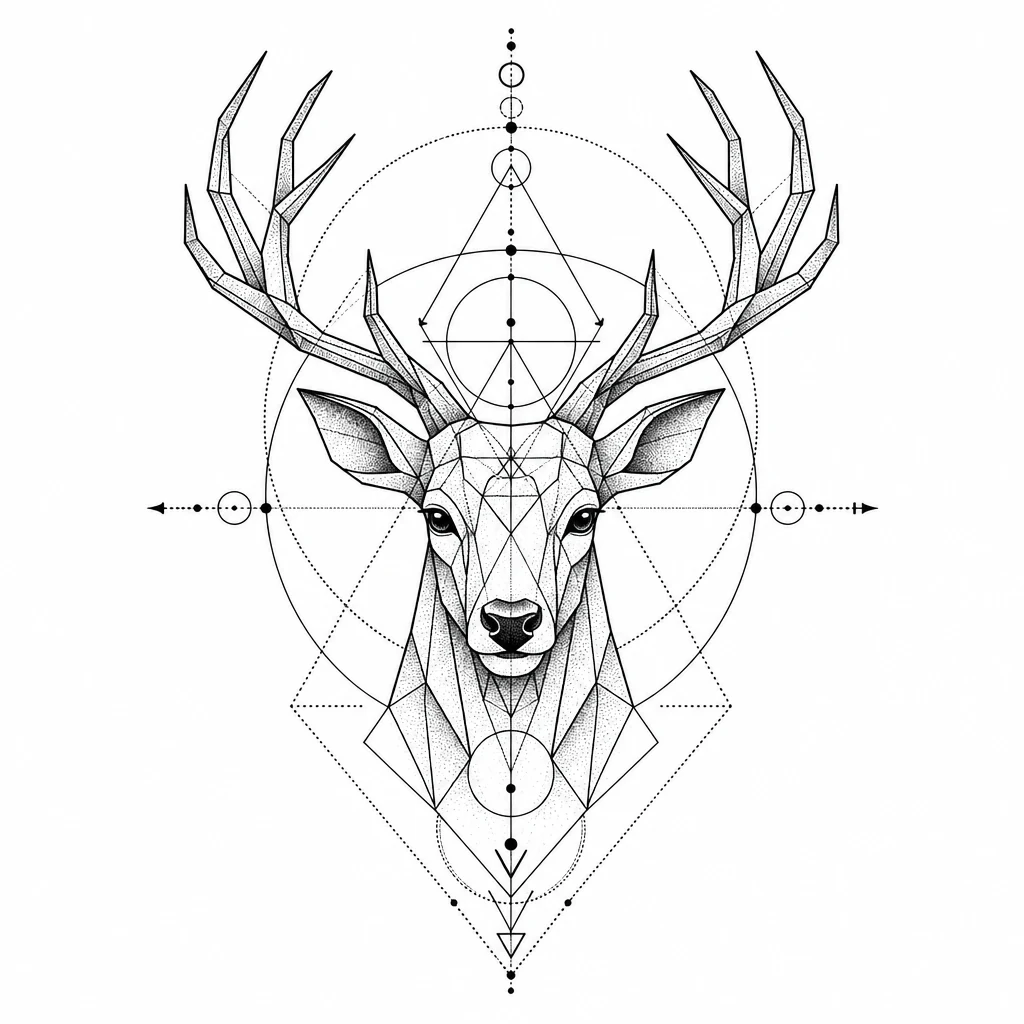
When you are signed in, generations are saved to your account gallery for 14 days. Revisit earlier concepts, compare versions, and download anything you want to keep before they expire.
Why choose our AI tattoo generator
Built for real tattoo planning, not generic image generation.
Style-aware generation
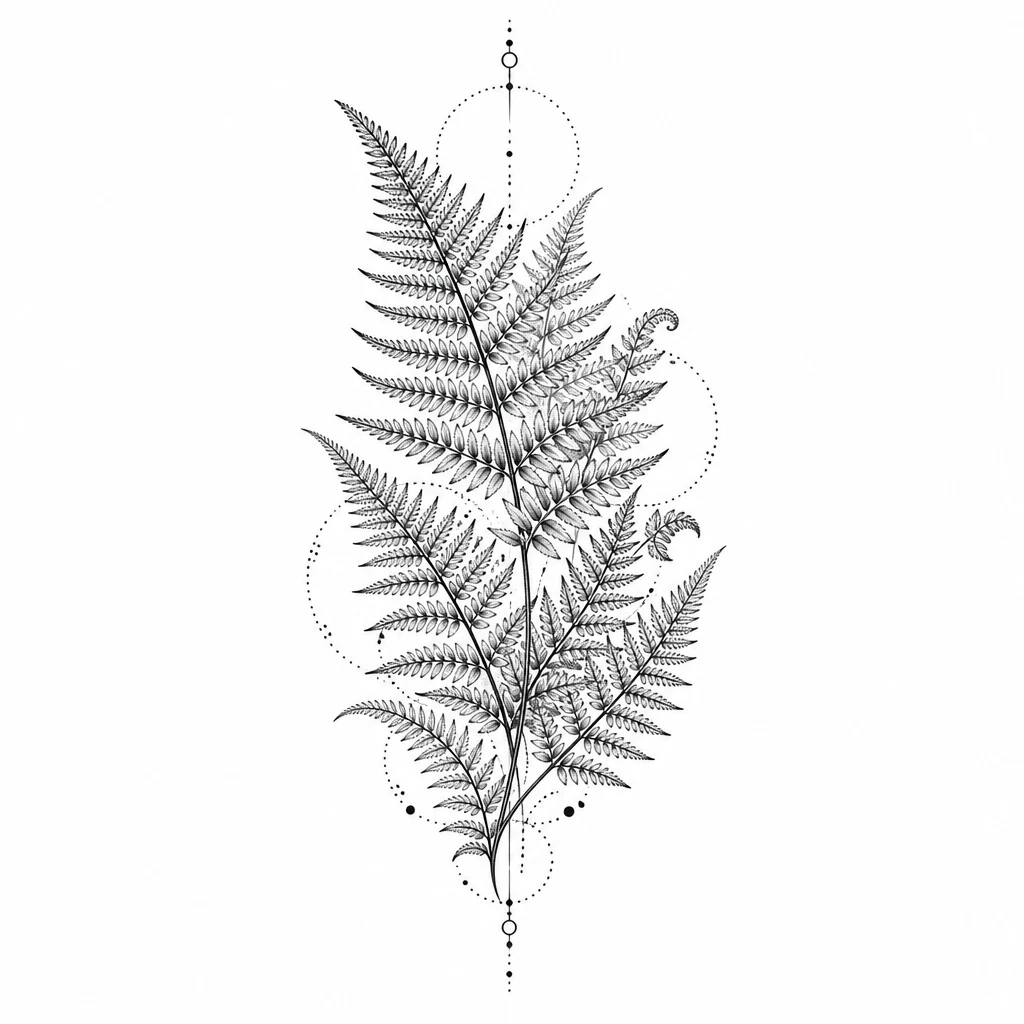
The AI tattoo generator applies real tattoo conventions — line weight, contrast, and negative space — instead of producing generic illustration.
Artist-ready references
Download clean PNG or WebP files sized for sharing. Your artist receives a visual brief, not a vague description.
Fast iteration loop
Generate, review, revise the prompt, and generate again in under a minute. Explore directions before committing to a session.
How to use the AI tattoo generator
Three steps from prompt to artist-ready reference.
Describe your idea
Write a short prompt covering subject, mood, and any must-have elements. Mention placement if it affects composition.
Choose a tattoo style
Pick fine line, blackwork, traditional, Japanese, or another style so the AI tattoo generator applies the right visual rules.
Generate and download
Review the concept, refine your prompt if needed, then download the reference to share with your tattoo artist.
What people say
Real stories from people who used this tool to move their tattoo idea forward.
“I had three vague ideas for my first tattoo and no way to explain them. The AI tattoo generator gave me a fine-line concept I could actually show my artist, and we refined it in one session.”

Maya Chen
First tattoo, forearm piece
“I use the AI tattoo generator during consults when clients say they want something personal but cannot describe it. It saves twenty minutes of back-and-forth every time.”

Jordan Ellis
Tattoo artist, Portland
“I wanted a memorial piece for my grandmother and kept getting overwhelmed by options. Generating a few concepts with the AI tattoo generator helped me choose a direction I still love six months later.”

Alex Rivera
Memorial tattoo client
Frequently asked questions
Practical answers about using the AI tattoo generator.
Create your custom tattoo concept
Describe your idea, pick a style, and generate a tattoo reference you can refine with your artist.