Turn any image into tattoo art with AI
Upload a photo or artwork, choose a style, and transform it into a tattoo-ready design in seconds.
OriginalTattoo
Why photos do not tattoo as-is
Photos contain gradients, background clutter, and detail density that do not translate directly to ink on skin. An AI image to tattoo converter reinterprets your upload through tattoo conventions — simplified linework, controlled contrast, and readable silhouettes.

Setting realistic expectations
Many people assume their artist can copy a photo exactly. Real tattooing requires adaptation: removing noise, emphasizing contours, and choosing a style that ages well. The AI image to tattoo workflow shows you what that adaptation looks like before the appointment.
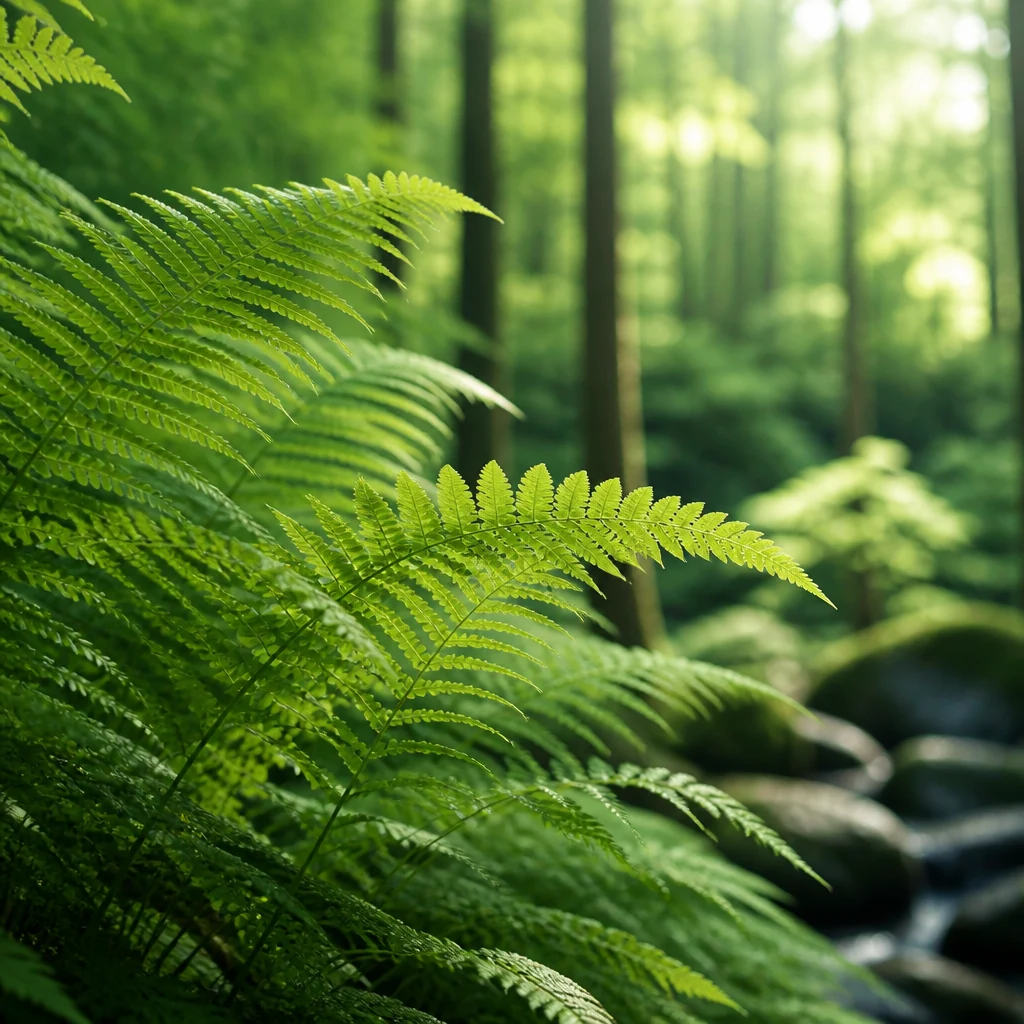
Portraits and meaningful references
Portrait tattoos especially benefit from conversion preview. Pet portraits, floral references, and travel photos each carry emotional weight. Image to tattoo conversion honors that attachment by keeping the subject recognizable while adapting the visual language to tattoo conventions your artist can actually execute.
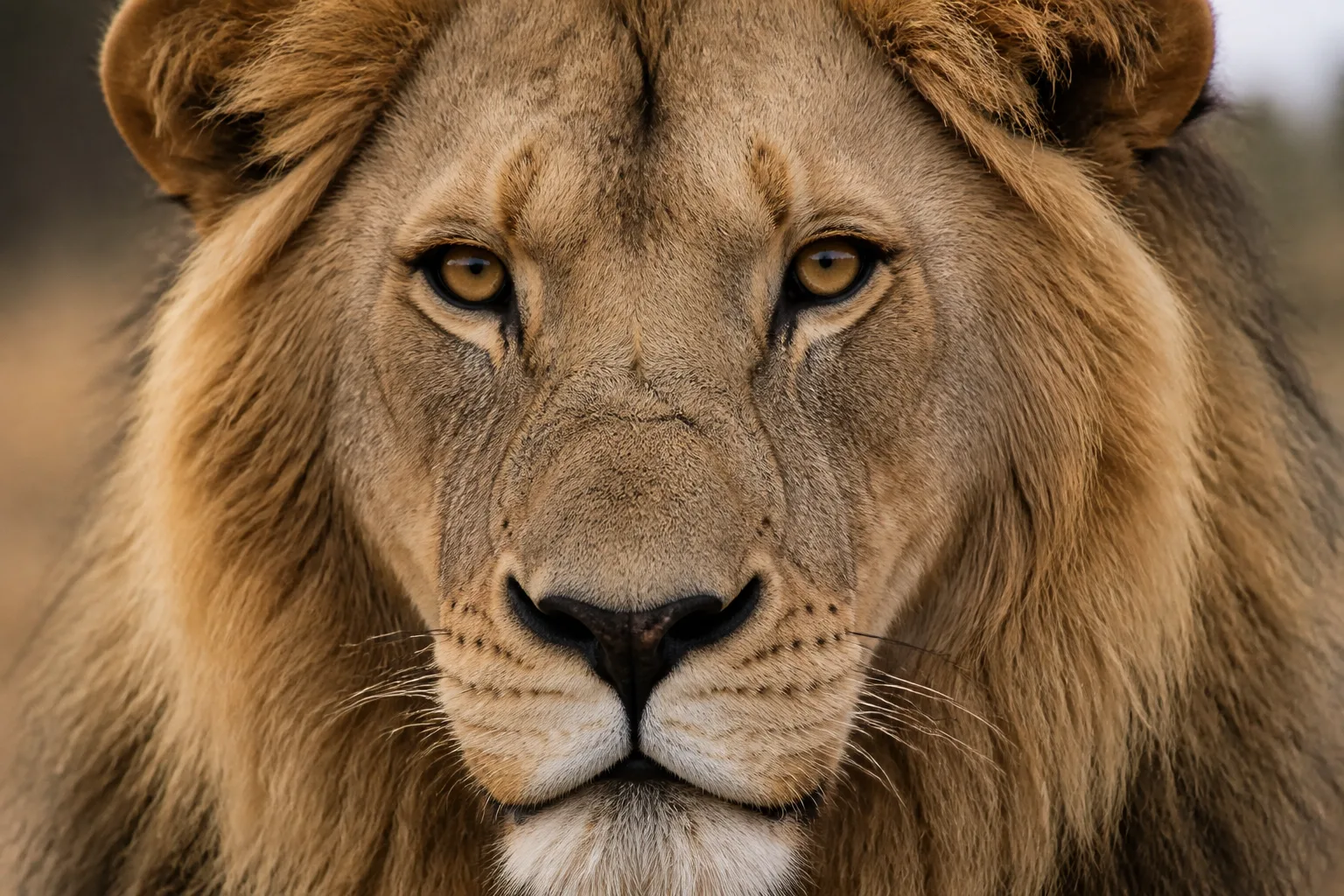
Tattoo-ready designs
Upload any image you have permission to use. The AI image to tattoo tool preserves the main subject while adapting linework, shading, and contrast to your chosen tattoo style.
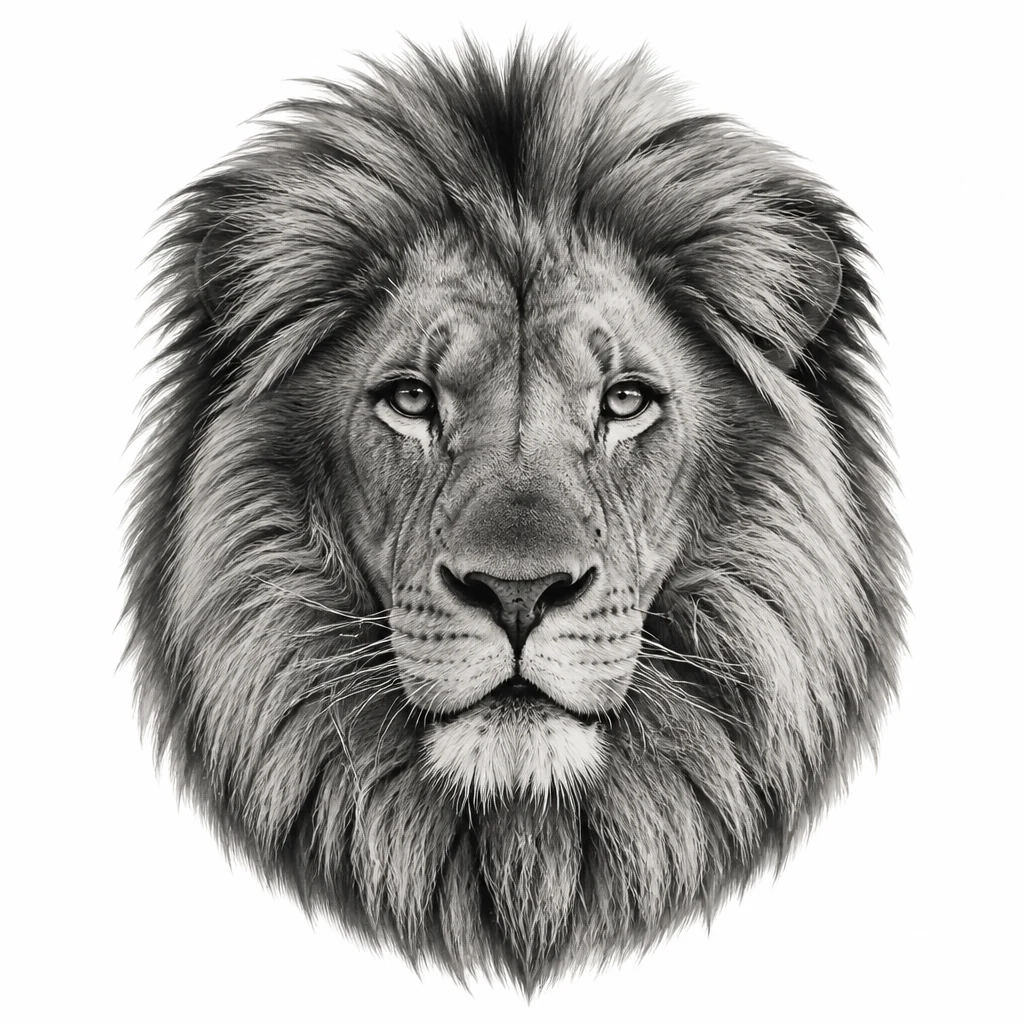
Interactive before and after
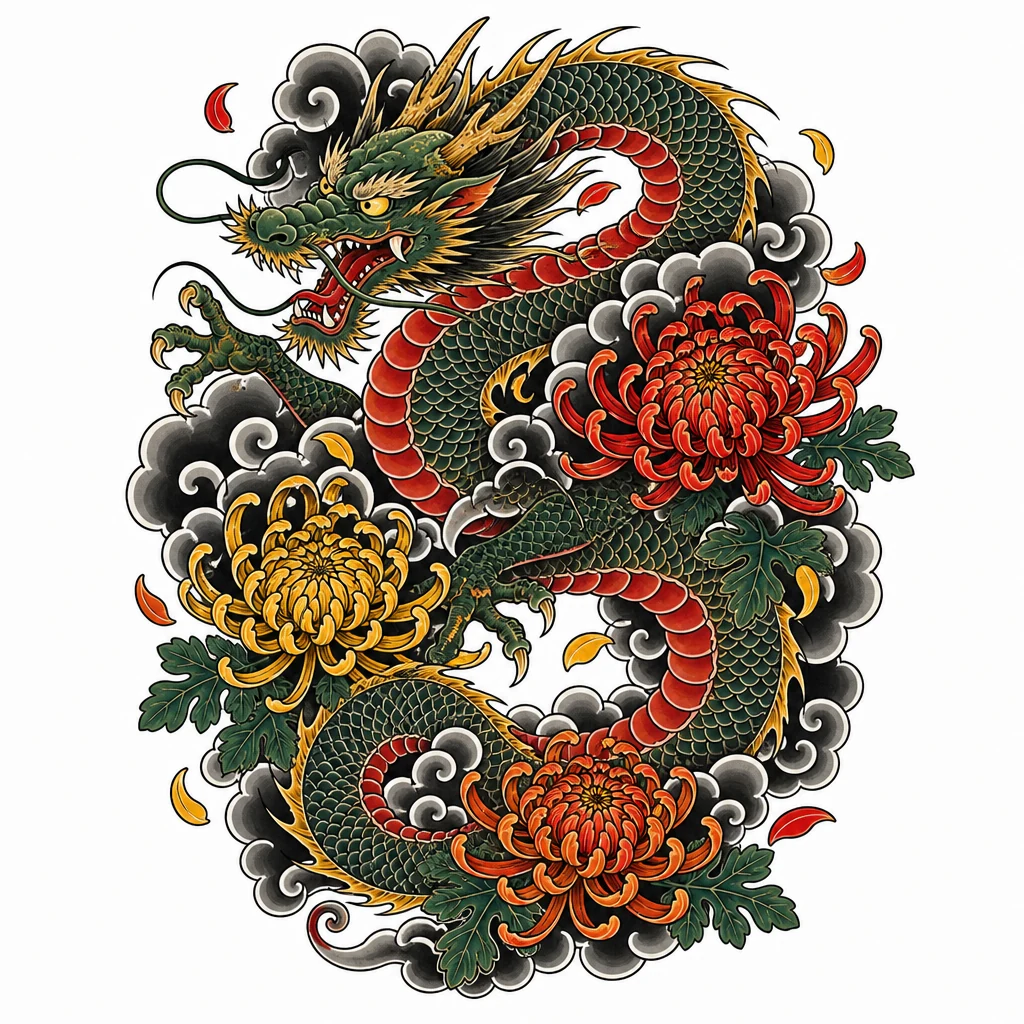
Compare before and after with an interactive slider. Judge how much detail survives the conversion and whether the result feels right for your placement and size goals. Supported styles include fine line, blackwork, traditional, Japanese, realism, geometric, minimalist, and watercolor.
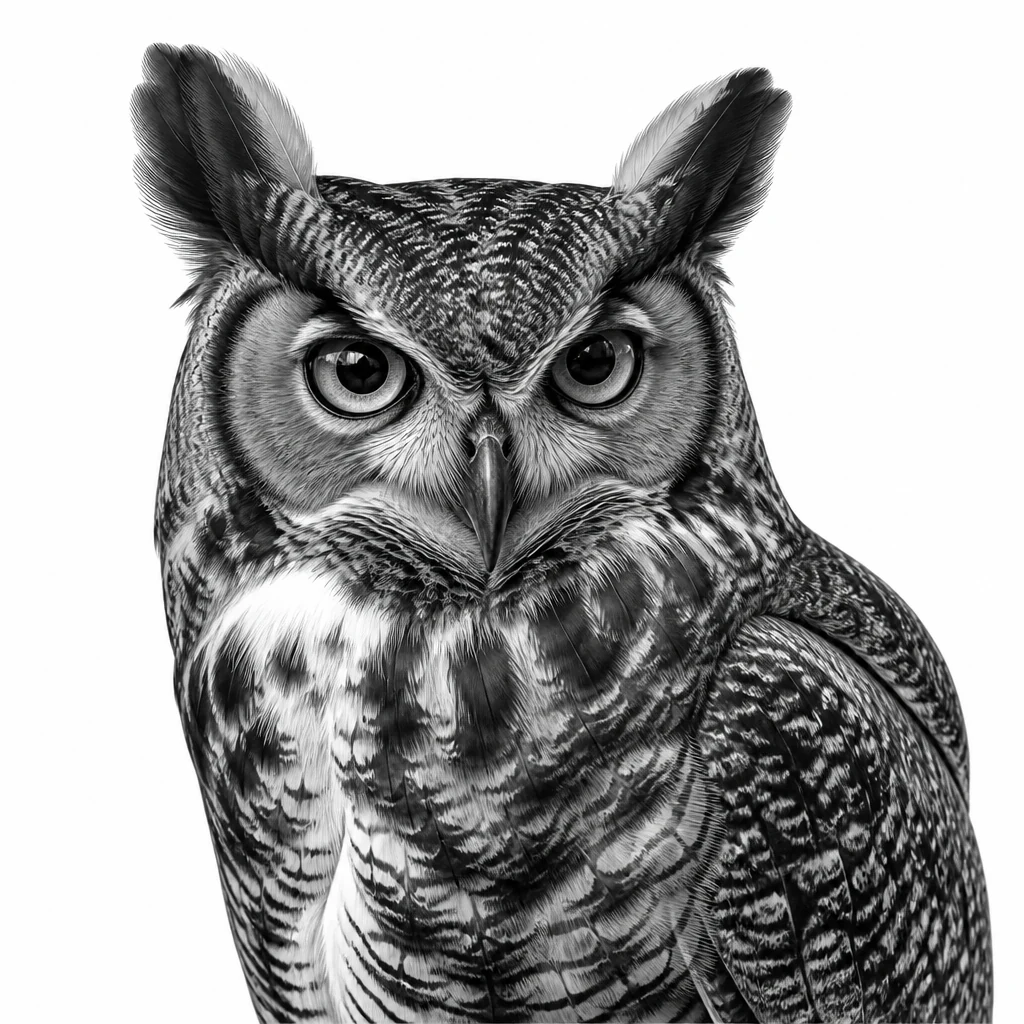
Download and share
Download the result as a reference file and share it with your artist as a starting point for redraw and placement refinement. Conversion is not photocopying — it is translation from one medium to another, and the preview helps you appreciate that translation before you commit.
Who uses AI image to tattoo conversion
The AI image to tattoo tool helps anyone who has a photo they love and wants to see it reinterpreted as tattoo-ready art.
Photo memorial clients
Turn a portrait or meaningful snapshot into tattoo art that preserves likeness while adapting to skin-friendly linework.
Pet and nature lovers
Convert animal photos or landscape shots into fine line or blackwork tattoo designs without losing the subject's character.
Artists with client references
Use AI image to tattoo conversion as a starting point when clients bring photos, then redraw for final placement and scale.
Style experimenters
Run the same photo through fine line, traditional, and Japanese treatments to compare how AI image to tattoo conversion changes the mood.
Transform your photo into tattoo art
Upload an image above and see how AI image to tattoo conversion adapts it to your chosen style.
Upload an imageWhy choose our AI image to tattoo tool
Conversion built for tattoo planning, not generic filters.
Subject preservation
The AI image to tattoo engine keeps faces, animals, and objects recognizable while applying tattoo-appropriate simplification.
Interactive before/after
Drag the slider to compare your original upload with the AI image to tattoo result side by side.
Multi-style output
Convert the same photo into fine line, blackwork, traditional, or Japanese — one AI image to tattoo workflow, many directions.
How to use AI image to tattoo conversion
Upload, style, compare, and download in three steps.
Upload your image
Choose a clear photo or artwork you have rights to use. Portraits and high-contrast subjects work especially well for AI image to tattoo conversion.
Select a tattoo style
Pick fine line, blackwork, traditional, Japanese, or another style to guide how the AI image to tattoo tool interprets your upload.
Compare and download
Review the before/after slider, regenerate if needed, then download the AI image to tattoo result for your artist.
What people say
Real stories from people who used this tool to move their tattoo idea forward.
“I uploaded a photo of my dog and the AI image to tattoo conversion in fine line was exactly what I needed to show my artist. We adjusted scale together but the likeness was already there.”

Emily Hart
Pet memorial tattoo
“Clients bring phone photos constantly. I use AI image to tattoo previews to set expectations before I redraw anything — it saves awkward conversations.”

Marcus Webb
Tattoo artist, Chicago
“I ran my travel photo through three styles using AI image to tattoo conversion and picked Japanese treatment for my calf piece. Best decision I made in planning.”

Priya Nair
Travel tattoo collector
Frequently asked questions
Practical answers about AI image to tattoo conversion.
Turn your image into a tattoo design
Upload a photo, pick a style, and generate a tattoo-ready design with our AI image to tattoo tool.