Convert a tattoo design into a stencil with AI
Turn a finished concept into high-contrast linework your artist can transfer and refine.
DesignStencil
Why designs need stencil conversion
Tattoo stencils emphasize edges, separating lines, and high contrast so artists can transfer the design onto skin. A colorful concept with soft shading does not stencil directly. A AI tattoo to stencil converter extracts the structural linework automatically.
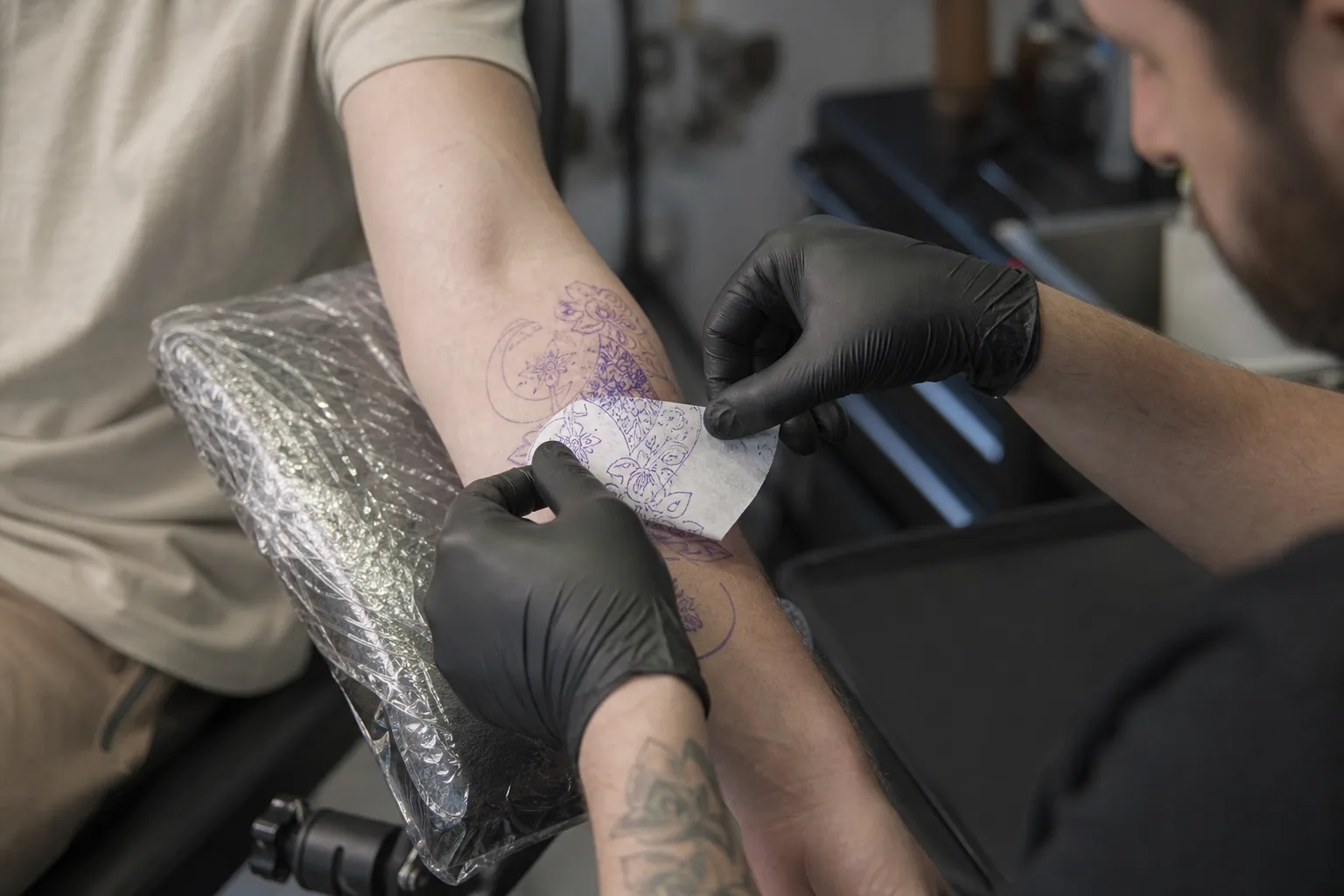
Faster structural clarity
Manual stencil creation takes time, especially for intricate designs. Without a stencil reference, clients and artists may miscommunicate about which lines matter most. The AI tattoo to stencil output makes the skeleton visible so everyone agrees on structure before shading decisions.
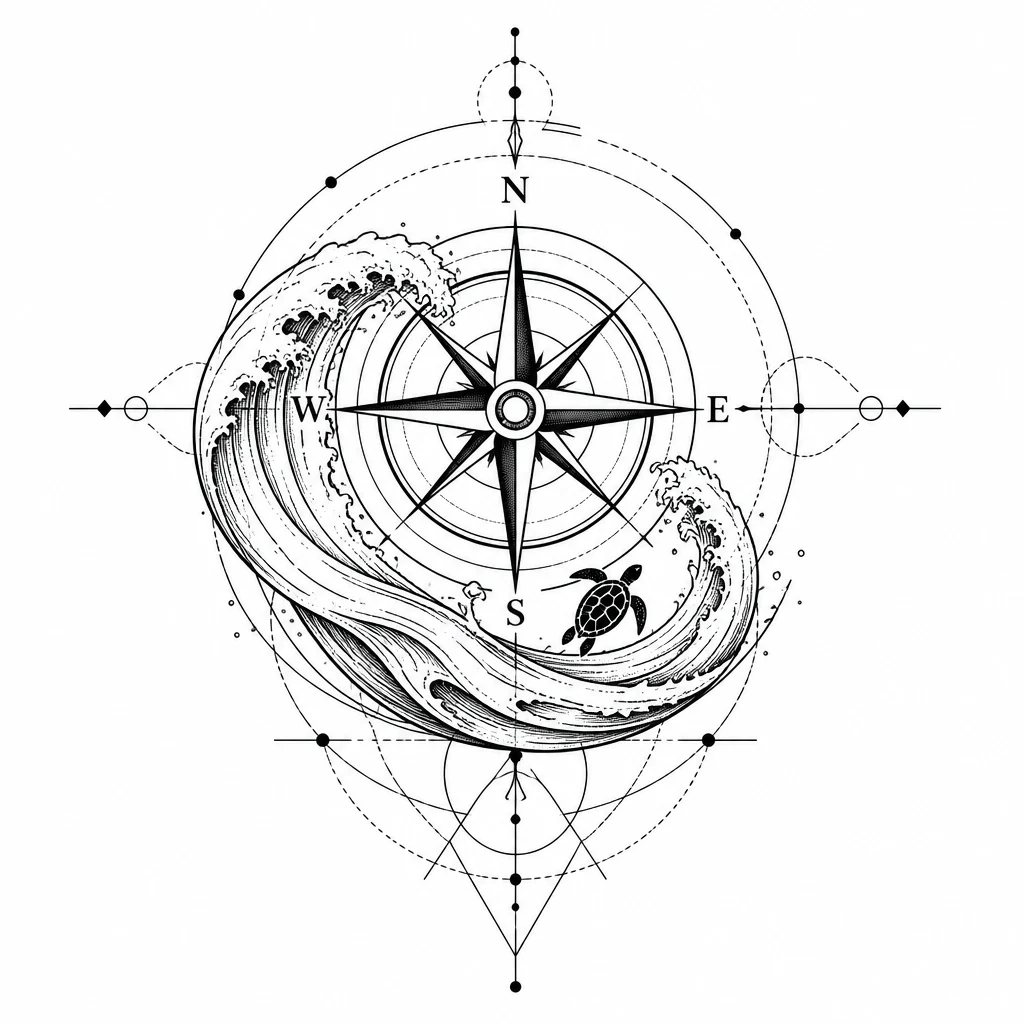
Learning line hierarchy
Complex designs with overlapping elements confuse transfer if structure is unclear. Tattoo to stencil conversion strips color and shading to reveal the linework hierarchy — what outlines the silhouette versus what describes interior detail.

Transfer-ready linework
Upload a tattoo design and generate a stencil in one step. The AI tattoo to stencil engine emphasizes major contours, separating lines, and readable shapes. Output is a square PNG with strong contrast suitable for transfer paper or stencil software.
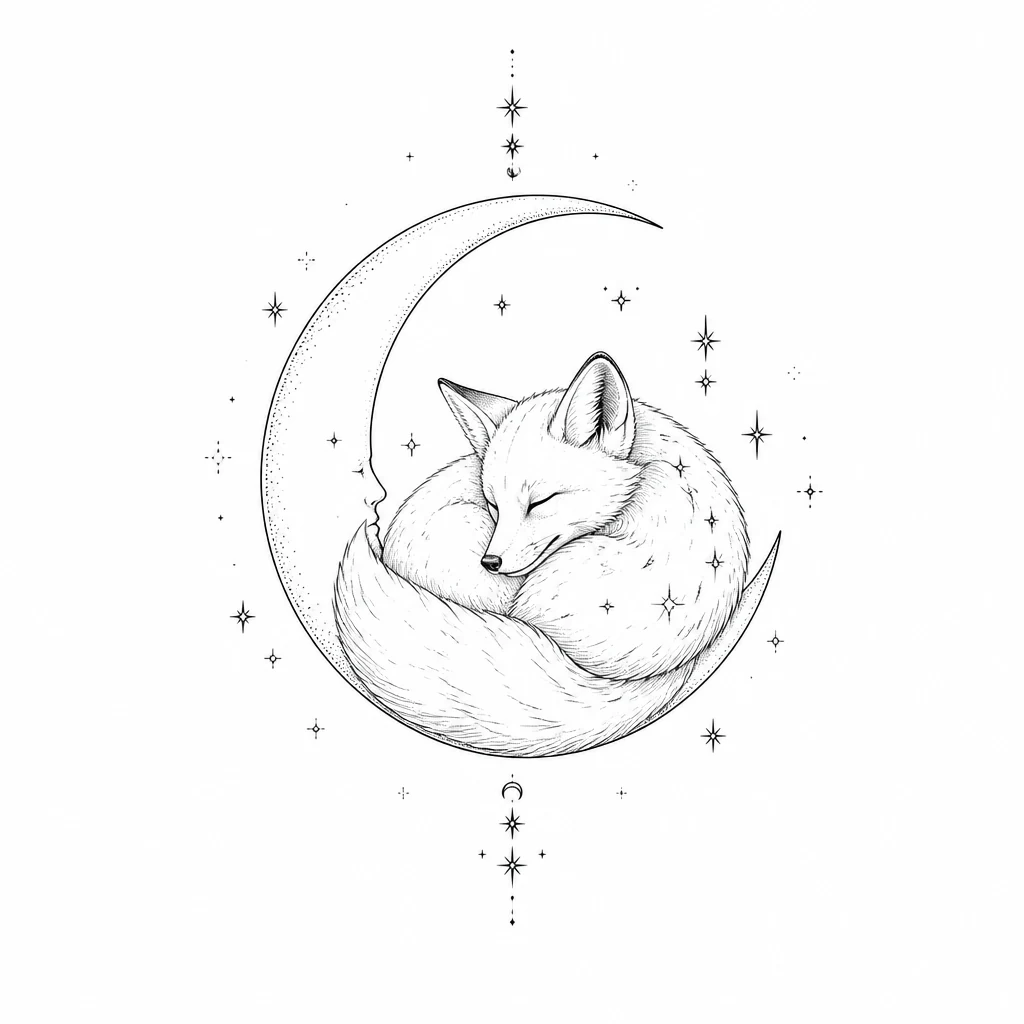
Before and after comparison
Compare the original design with the stencil using the before/after slider. Judge whether the AI tattoo to stencil conversion preserved the structure you need before sharing with your artist. Traditional and Japanese designs with bold outlines stencil especially cleanly.

Artist-ready starting point
Use the result as a starting point. Professional artists often redraw stencils for anatomy and skin type, but a AI tattoo to stencil reference accelerates that process — whether your artist prints transfer paper or redraws digitally on an iPad.

Who uses AI tattoo to stencil conversion
The AI tattoo to stencil tool bridges finished concepts and the transfer process artists use in session.
Apprentice artists
Practice extracting clean linework from complex designs. The AI tattoo to stencil workflow shows how edges and shapes simplify for transfer.
DIY planners
Bring a stencil reference to your consultation so the artist understands the structural skeleton you envision.
Design refiners
See how your concept reads as pure linework before committing to a session. Tattoo to stencil conversion reveals structural clarity.
Convert your design to a stencil
Upload a tattoo design above and generate transfer-ready linework with AI tattoo to stencil conversion.
Create a stencilWhy choose our AI tattoo to stencil tool
Conversion built for transfer-ready linework.
Automatic edge extraction
The AI tattoo to stencil engine identifies structural lines without manual tracing in vector software.
High-contrast output
Every AI tattoo to stencil result is optimized for transfer — bold linework, clean background.
Before/after comparison
Slide between the source design and AI tattoo to stencil output to verify structural fidelity.
How AI tattoo to stencil conversion works
From design selection to downloadable transfer linework in three steps.
Upload your design
Upload a clear tattoo design image as input for AI tattoo to stencil conversion.
Generate stencil linework
Run the AI tattoo to stencil converter to extract high-contrast transfer lines from the design.
Download and refine
Download the AI tattoo to stencil PNG and share with your artist for redraw and transfer preparation.
What people say
Real stories from people who used this tool to move their tattoo idea forward.
“As an apprentice, AI tattoo to stencil conversion helps me study how experienced artists think about line hierarchy. I generate stencils from flash I admire and trace the structure.”

Leo Martinez
Tattoo apprentice
“I brought a AI tattoo to stencil printout to my consult and my artist said it was the clearest structural reference a client had ever given him.”

Jen Walsh
Forearm tattoo client
“We use AI tattoo to stencil previews in the shop when clients bring complex reference art. It shows them what will actually transfer before we redraw.”

Andre Cole
Shop owner, Atlanta
Compare design and stencil side by side
Use the before/after slider in the preview panel to verify linework before you download.
Try the converterContinue your tattoo planning
Move between tools as your idea develops from inspiration to placement and stencil prep.
Frequently asked questions
Practical answers about AI tattoo to stencil conversion.
Make a stencil from your design
Turn a finished tattoo concept into clean transfer linework with our AI tattoo to stencil tool.