Try a tattoo on before you commit
Preview how a design sits on a body photo so you can judge size, placement, and overall balance.
See the difference
Drag the slider to compare a sample before and after.
Who the AI tattoo try-on tool is for
The AI tattoo try-on experience helps you judge placement and scale before booking an appointment.
First-time clients
Nervous about size and placement? The AI tattoo try-on tool shows how a design sits on a real body photo so you can decide with confidence.
Sleeve and back planners
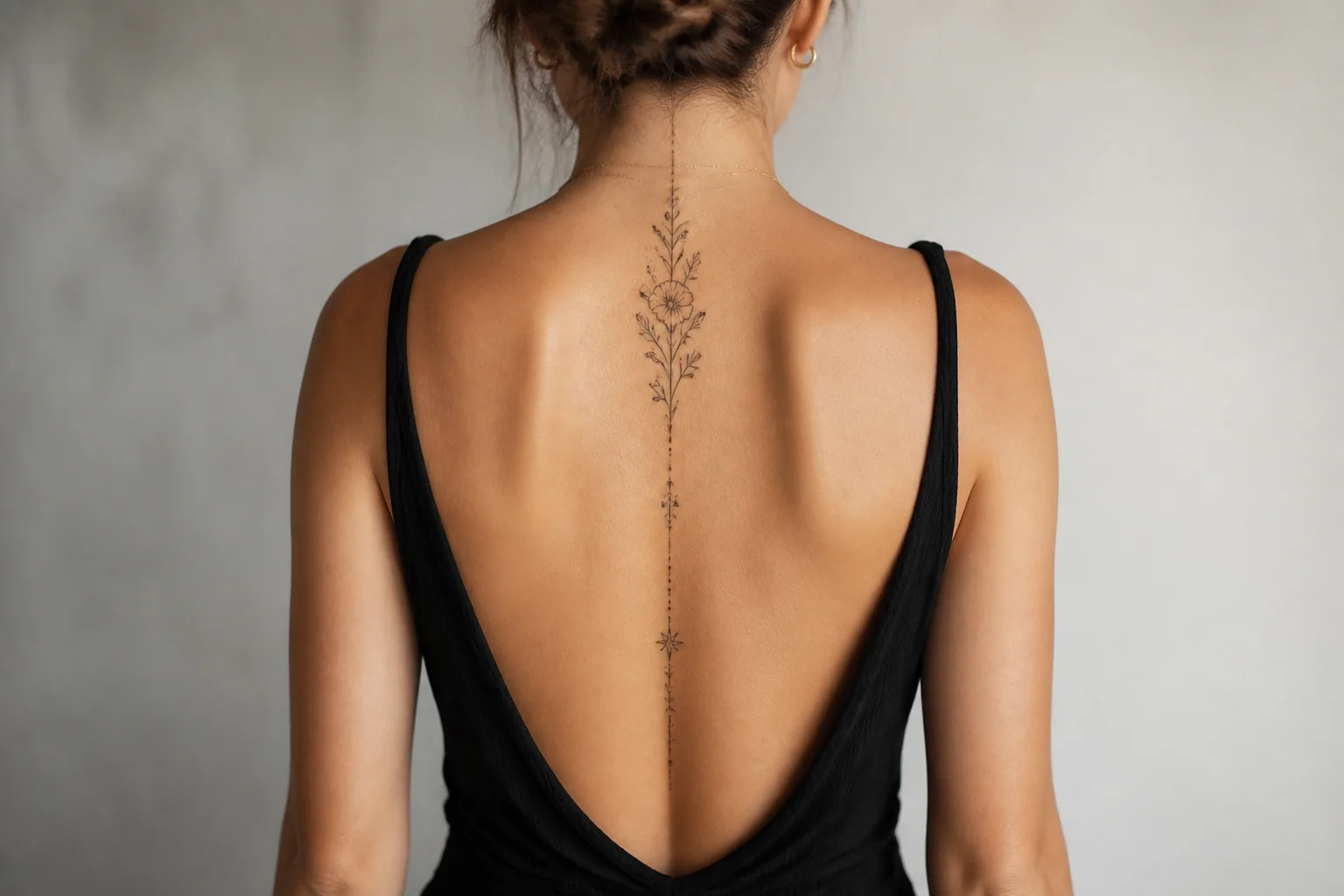
Large pieces need balance across anatomy. Preview how a design flows on arm, back, or thigh using the AI tattoo try-on workflow.
Design comparers
Choosing between two concepts? Run both through AI tattoo try-on on the same body photo and compare fit side by side.
How AI tattoo try-on works
Three steps to preview placement before your appointment.
Choose a tattoo design
Pick a generated piece or an example design as the artwork for your AI tattoo try-on preview.
Select a body photo
Use an example pose or upload your own photo. Clear, well-lit images produce the best AI tattoo try-on results.
Review placement
Generate the AI tattoo try-on preview, adjust if needed, and download to share before your appointment.
Why flat images mislead
Tattoo flash and generated art look different on a monitor than on curved skin. Scale that seems bold on a phone screen might disappear on a forearm. A AI tattoo try-on preview places the design on a body photo so you judge proportion in context.
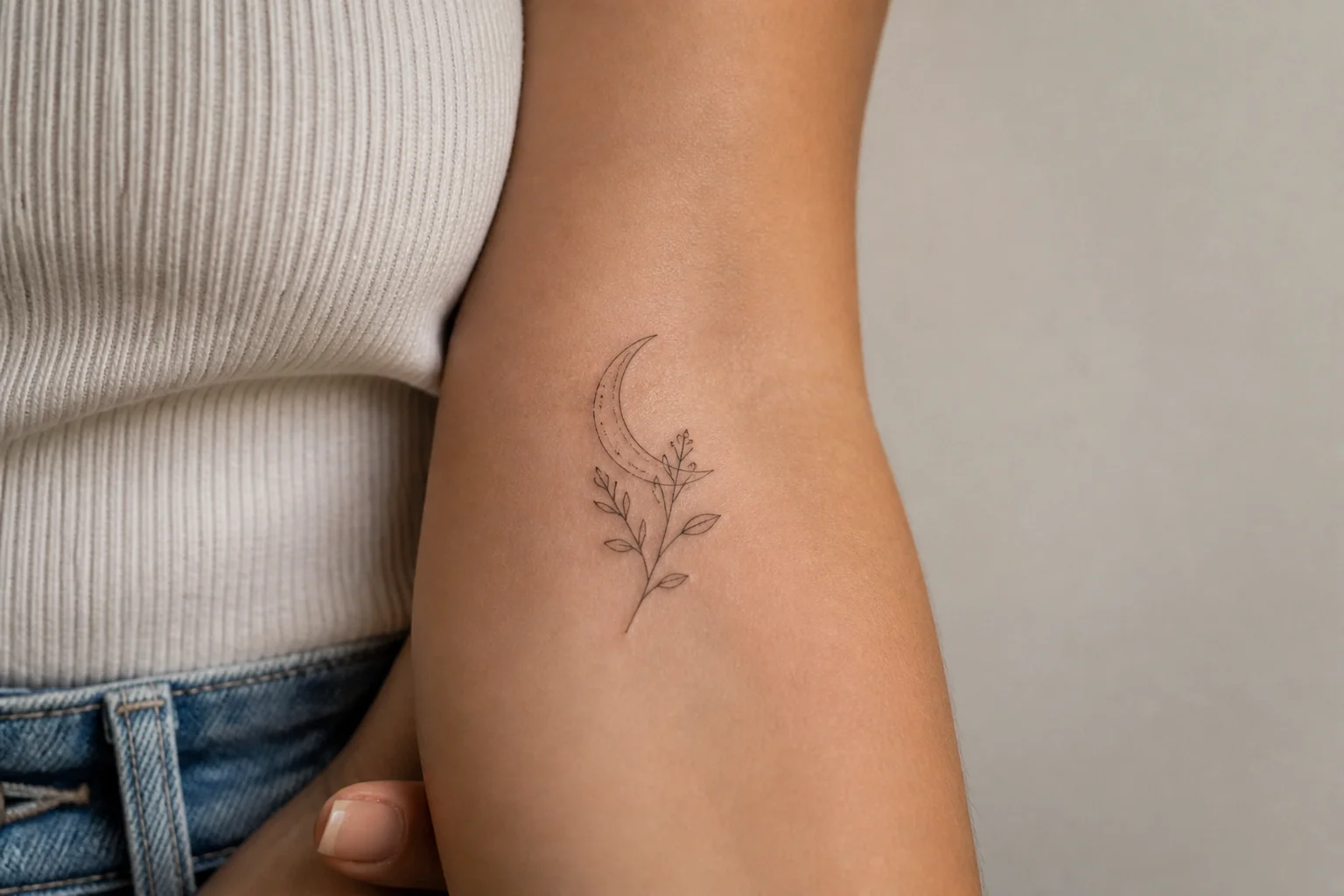
Placement anxiety
People worry a wrist piece will feel too large or a back design will sit awkwardly. The AI tattoo try-on tool lets you experiment with pose and placement before any needle touches skin. Arriving with a try-on reference accelerates the consultation.
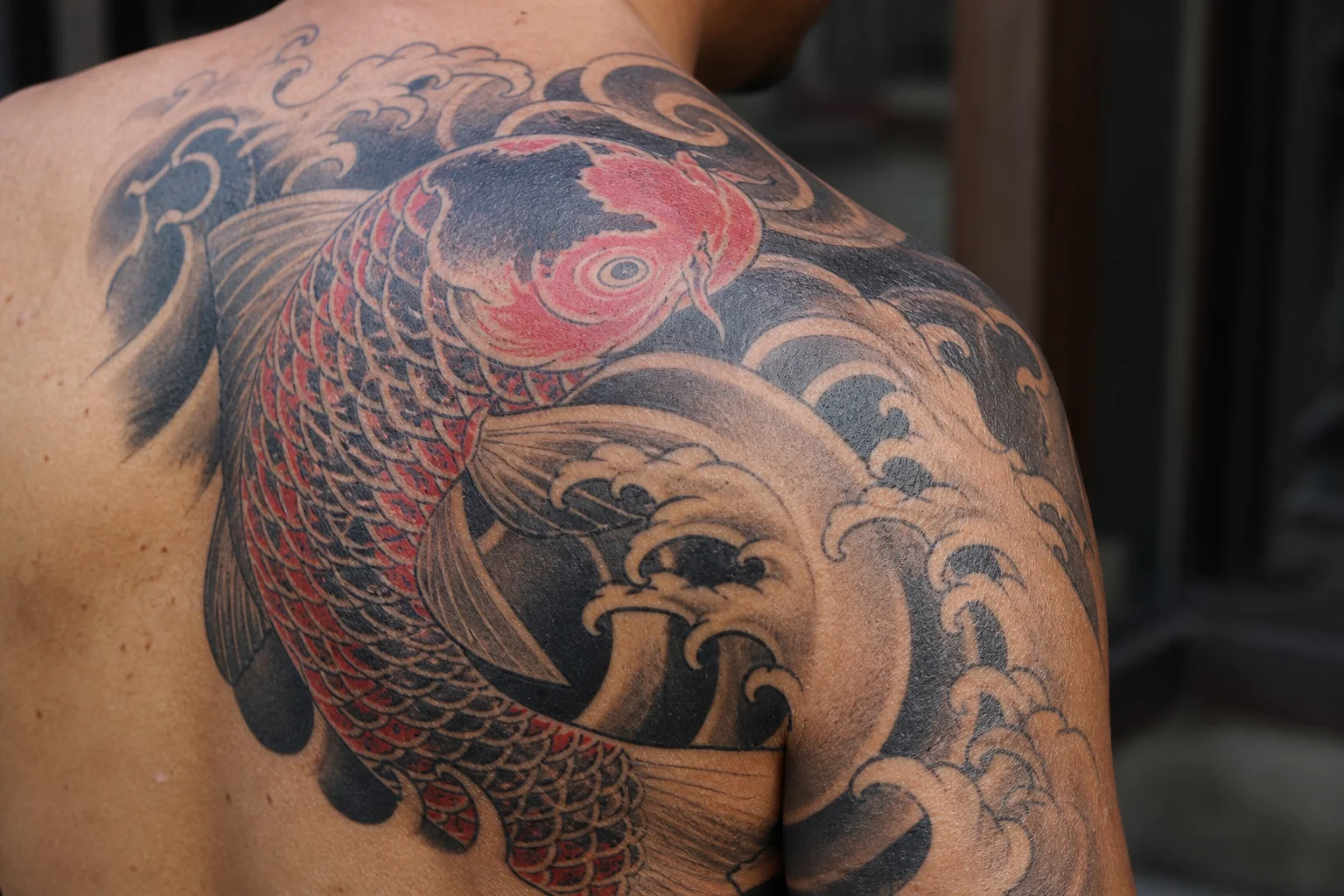
Existing ink and cover-ups
Existing tattoos affect how new pieces read on the same body area. A AI tattoo try-on preview on your actual photo shows how a new design interacts with ink you already have — especially important for cover-up and addition work.
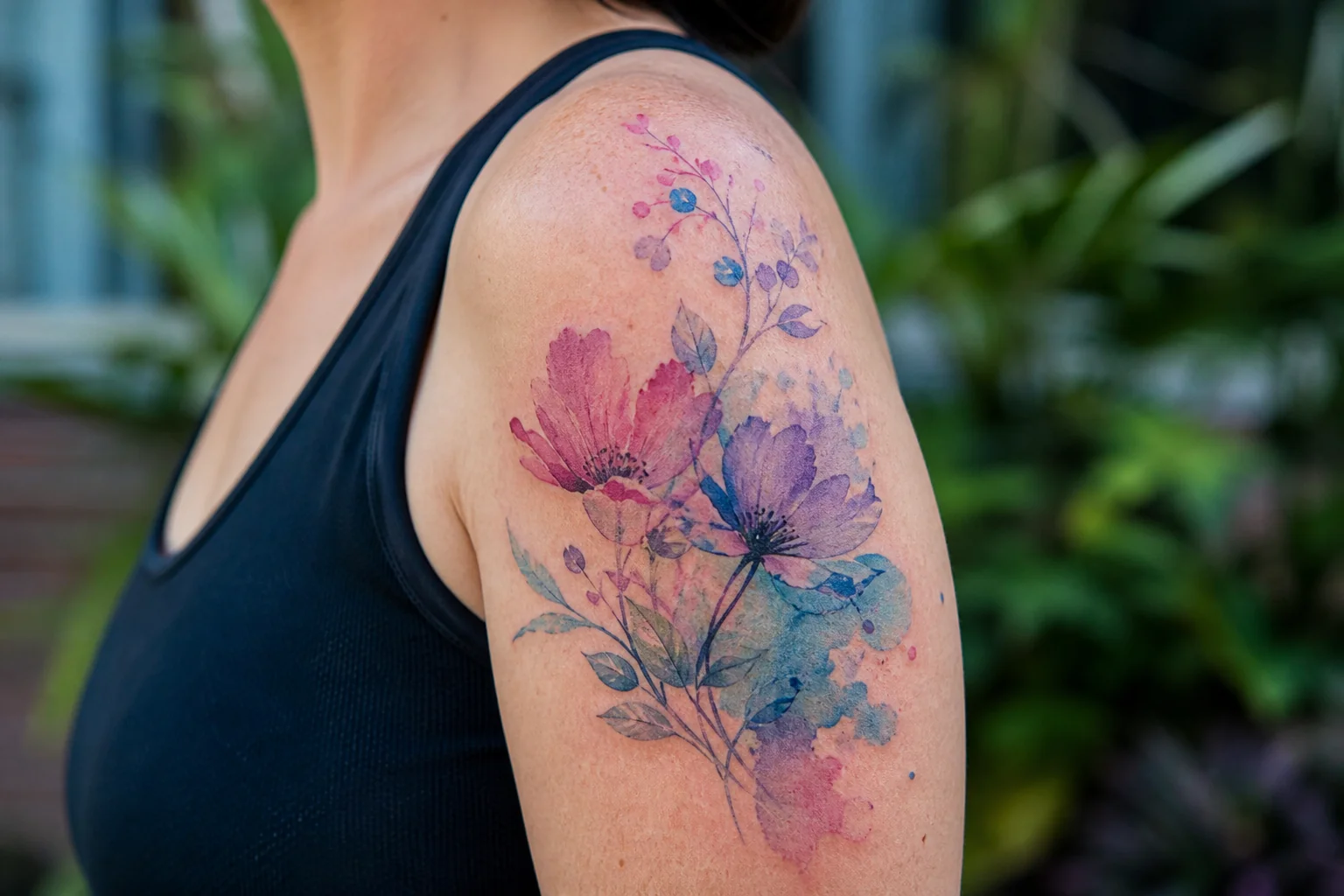
Realistic skin preview
Select a tattoo design and pair it with a body photo. The AI tattoo try-on engine composites the design onto skin with attention to placement and scale. Use example poses covering arm, back, hand, calf, and thigh when you do not have a personal photo ready.
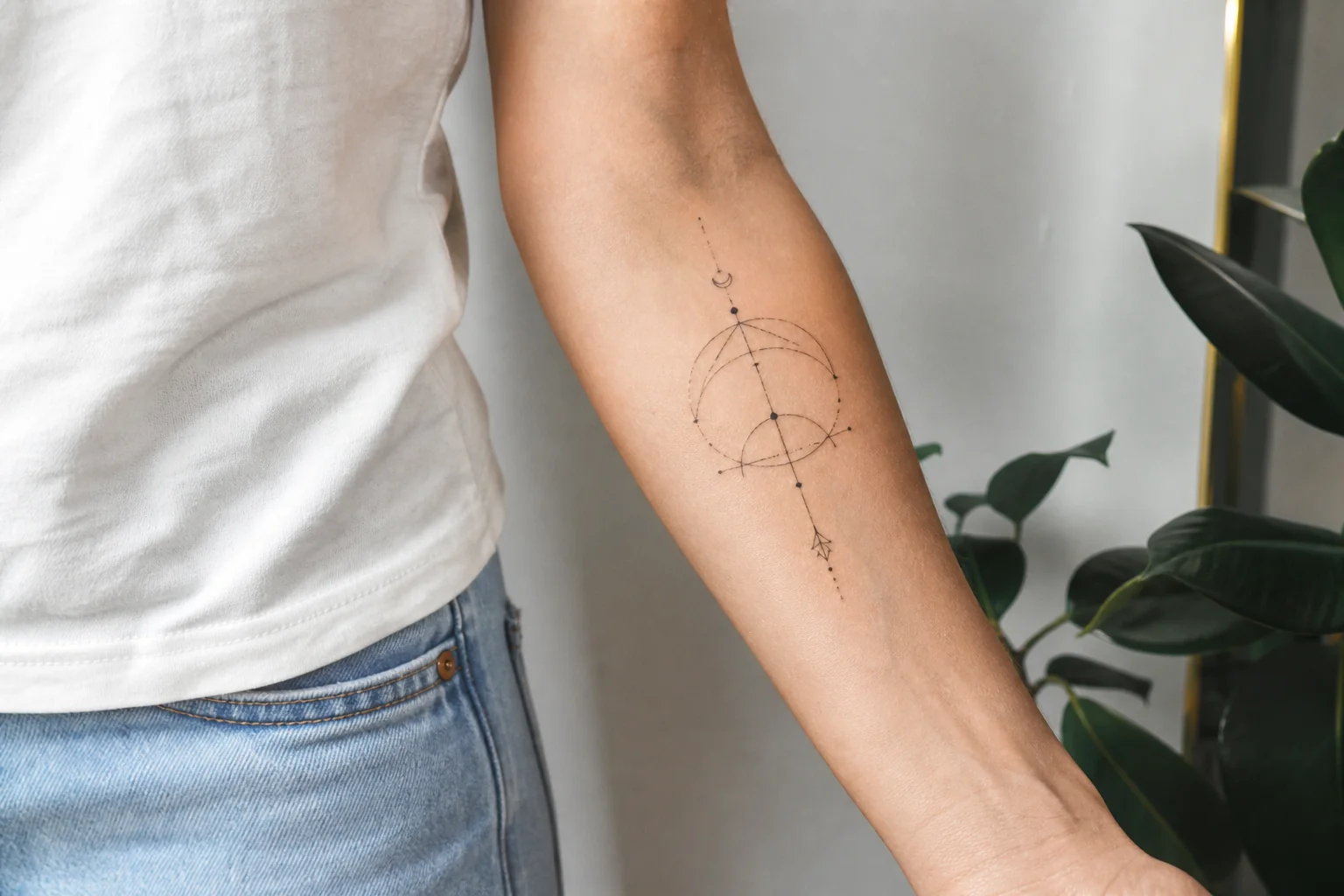
Your own body photo
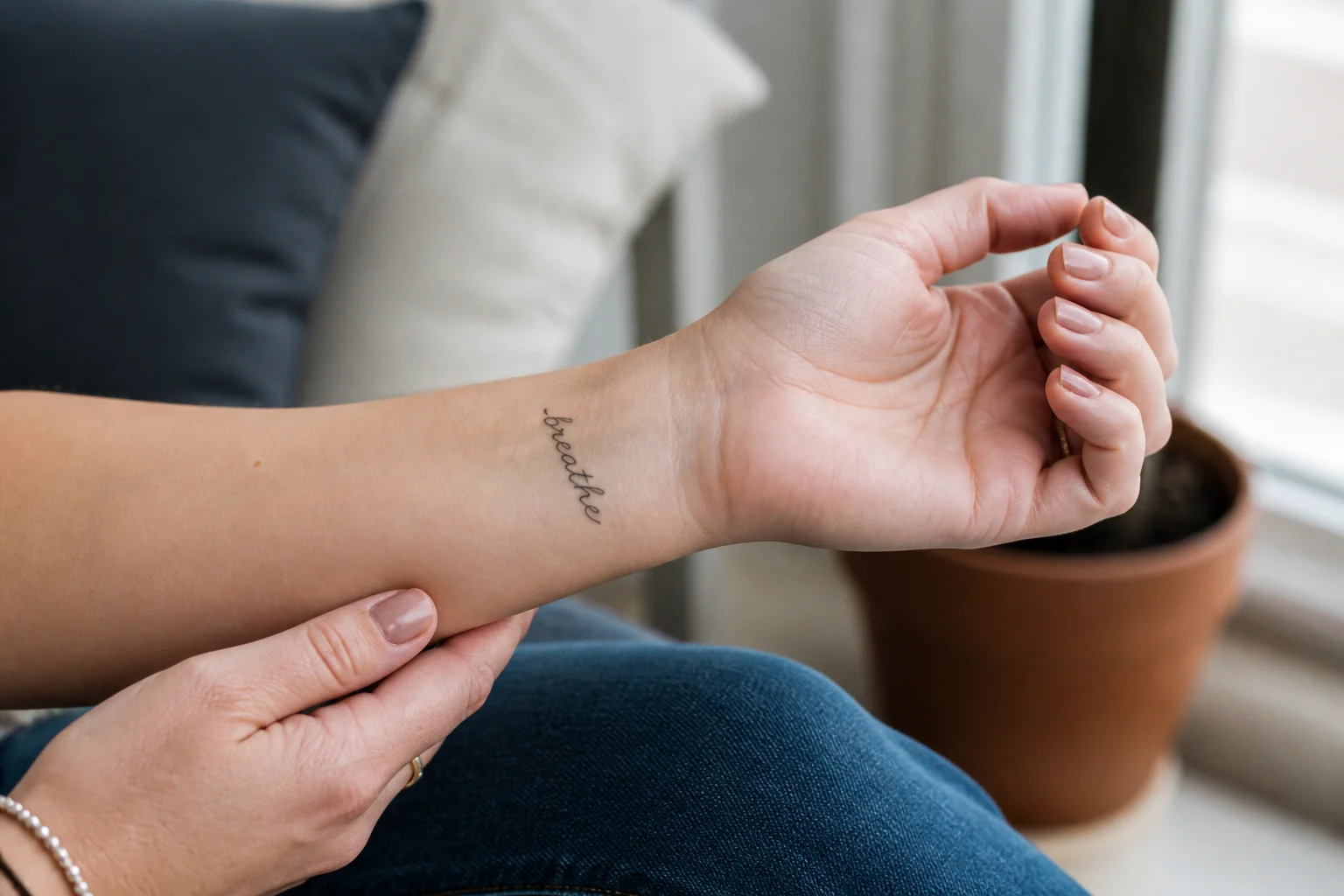
Upload your own body photo for the most accurate preview. Seeing your specific skin tone, curvature, and existing tattoos alongside a new design is what makes AI tattoo try-on practical for real decisions — especially for hand, wrist, and finger placements.
Download and share
Download the preview to share with your artist or friends. A AI tattoo try-on image gives everyone a shared reference for size and placement discussions — and helps you decide whether a placement works with your wardrobe.
See your tattoo on skin first
Choose a design and body photo above to generate a AI tattoo try-on preview.
Try it onWhy choose our AI tattoo try-on tool
Preview placement on real body context.
Real body context
The AI tattoo try-on tool composites designs onto actual body photos, not flat mannequin overlays.
Example pose library
Start from common arm, back, hand, and leg poses when you want a quick AI tattoo try-on without uploading.
Design flexibility
Pair any generated tattoo or example design with any body photo for unlimited AI tattoo try-on combinations.
What people say
Real stories from people who used this tool to move their tattoo idea forward.
“I was torn between wrist and forearm placement. The AI tattoo try-on preview on my own arm photo made the decision obvious — forearm had better balance for the design size.”

Hannah Brooks
First tattoo client
“I make clients do a AI tattoo try-on before we finalize large back pieces. It cuts down on placement revisions during the actual session.”

Tyler Nguyen
Tattoo artist, Seattle
“My partner and I compared two designs using AI tattoo try-on on the same shoulder photo. We picked the winner in ten minutes instead of debating for weeks.”

Daniel Kim
Couple tattoo planning
Continue your tattoo planning
Move between tools as your idea develops from inspiration to placement and stencil prep.
Frequently asked questions
Practical answers about AI tattoo try-on previews.
Preview your next tattoo
Use AI tattoo try-on to judge placement and scale before you commit to ink.